
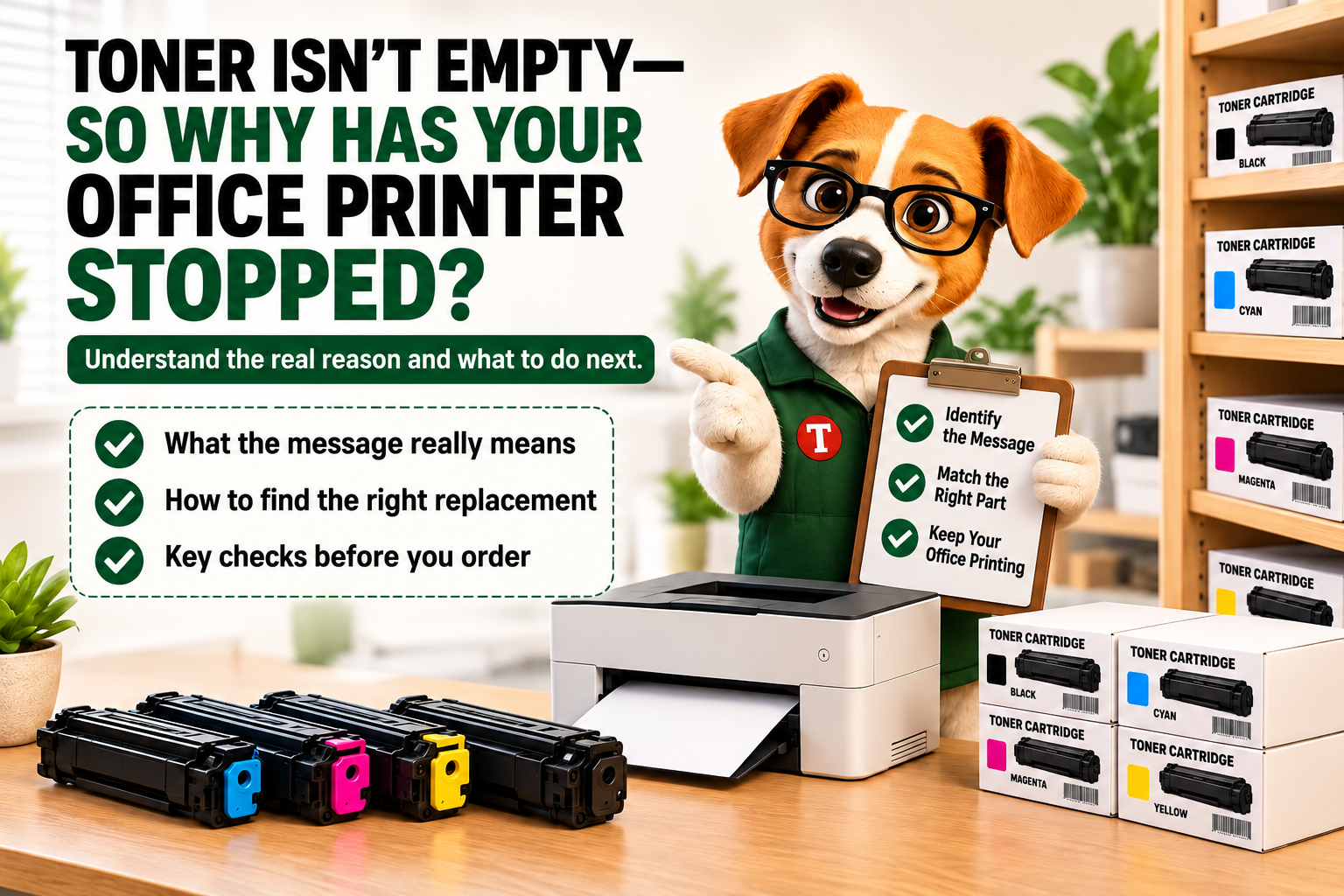
Quick answer: A “waste toner container full” message refers to the container that collects waste toner, not the cartridge supplying fresh toner. Some printers stop until that container is replaced. Check the exact message and printer model, then match the replacement part number before ordering.
You have spare toner in the cabinet. Your printer has toner inside. So why has the office queue stopped?
I’m Renexor. Before you open another cartridge, read the message on the screen. If it names a waste toner box, waste toner container, or toner collection unit, you are dealing with a different supply.
I’ll explain what it does, how to identify the correct replacement, and what to check before buying.
What is a waste toner container?
A waste toner container collects excess toner generated during printing. It does not supply fresh toner to create the next document. Canon describes that function in its waste-container replacement guidance.
Here’s the distinction I want you to remember:
- Toner cartridge: supplies toner for printing.
- Waste toner container: collects waste toner from the printing process.
Similar wording does not make those items interchangeable. A cartridge ordered for a full waste-container message will not replace the requested container.
The examples below concern devices with a separate replaceable collection unit. Check your own printer’s manual before looking for one.
Why can a printer stop when its toner cartridges are not empty?
The supply cartridge and the waste container have different jobs. Remaining toner does not establish that the waste container can continue collecting it.
For example, the HP Color LaserJet Enterprise M751 manual states that printing stops when its collection unit reaches end of life. Replacement is required to continue. HP gives the same instruction for the MFP M776.
I would treat that message as a request to identify the named part. It is not a reason to replace every toner cartridge.
Read the exact warning before ordering anything
Take a photo of the display and record the full printer model. Keep any error code. Avoid shortening every supply message to “we need toner.”
| What the display indicates | What to check | Purchasing action |
|---|---|---|
| Waste container is nearly full | The model’s instructions and whether printing may continue | Identify the correct replacement and arrange supply before the stop condition |
| Waste container is full or requires replacement | The named component and its exact replacement number | Obtain the specified container; do not substitute a toner cartridge |
| A waste-container message remains after installation | The model-specific installation and troubleshooting instructions | Investigate before ordering a second container |
Wording and behavior vary by model. Canon’s cited guidance distinguishes full and nearly-full messages. Brother’s “Replace WT Box” instructions identify a replacement requirement for the models listed there.
I would not promise a fixed number of remaining pages after a warning. Follow the displayed instruction and the documentation for that device.
Find the correct waste toner replacement by model and part number
Match both identifiers: the complete printer model and the replacement supply number. Do not choose by brand, packaging shape, or a similar-looking product photo.
These examples pair manufacturer-confirmed compatibility with supply numbers listed by Toner Cartridge Depot:
| Printer model | Replacement part | Manufacturer reference | TCD product |
|---|---|---|---|
| HP Color LaserJet Enterprise M751; HP Color LaserJet Enterprise MFP M776 | HP 3WT90A Toner Collection Unit | M751 supply list; M776 replacement guide | HP 3WT90A |
| Brother MFC-L8900CDW; Brother MFC-L8905CDW | Brother WT-320CL Waste Toner Box | Brother replacement instructions and covered models | Brother WT-320CL |
| Canon Color imageCLASS LBP712Cdn | Canon WT-B1 / 0942C002 Waste Toner Container | Canon WT-B1 product information | Canon WT-B1 / 0942C002 |
These are selected examples, not a complete compatibility list. If your exact model is absent, verify its supply independently. Check current availability and delivery options on the product page before relying on an arrival date.
My purchase-request checklist is short:
- Full printer model, including its suffix
- Exact message or a clear display photo
- Manufacturer replacement part number
- Quantity, office location, and receiving contact
If supplies are included in a service agreement, use the designated provider’s ordering process. For a separate purchase, carry the verified part number through the order.
Can you empty a waste toner container and reuse it?
Do not assume that emptying it is an approved substitute for replacement. Follow the manufacturer’s instructions for the exact unit.
HP specifies single use for the M751 collection unit and warns against emptying it for reuse. Brother also prohibits reuse in the WT-320CL replacement instructions cited above. Canon’s guidance says collected waste toner must not be mixed with fresh toner.
I would skip improvised emptying or resetting procedures and use the documented replacement process. Keep the removed container in the prescribed packaging and follow the applicable return or disposal instructions.
What if the waste-toner message stays after replacement?
Before buying another part, check the exact replacement procedure. Confirm the product number, installation steps, and any required packaging removal.
Detection is model-specific. For the Brother models covered by its WT-320CL article, the new box is detected automatically. That does not establish how another printer handles replacement.
Keep the message and part number ready for support if the documented checks do not resolve it. I would not recommend a universal counter reset or sensor bypass.
Keep this supply visible in the office purchasing record
Add the verified waste-container number beside the toner numbers for each applicable printer. Record its location, usable spares, and any open order.
For a shared device with no practical backup, consider holding a suitable spare. Base that decision on delivery lead time, workload, storage instructions, and the consequence of an interruption.
Our printer supply inventory guide explains how to organize that record. A waste-container entry makes the existing list more complete.
Waste toner container FAQ
Is a waste toner container the same as a toner cartridge?
No. The cartridge supplies printing toner; the waste container collects waste toner. Check the exact item named by the printer before ordering.
Can a full waste toner box stop a printer?
Yes, on models designed to stop at that condition. HP documents a stop requirement for the M751 and M776. Check your model’s instructions rather than assuming all printers behave identically.
Will installing a new toner cartridge clear a full-container warning?
A new toner cartridge does not replace a separate waste container. If the message requests the container, follow that component’s replacement instructions.
How often should an office replace the waste toner container?
Use the printer’s message and manufacturer guidance. There is no single replacement interval for all models. Identify the part ahead of time, then follow the documented replacement trigger.
What should I buy for a “Replace WT Box” message?
Use the full printer model to identify the correct waste toner box. Brother specifies WT-320CL for the MFC-L8900CDW and MFC-L8905CDW in its replacement guidance. The same wording on another device does not establish compatibility.
Find the container your printer actually needs
My recommendation: read the message, confirm the model, and match the part number before spending the office budget.
Use the verified supply numbers above when ordering from Toner Cartridge Depot. If your model is different, confirm its replacement number before placing the order.
— Renexor, Your Printer’s Smartest Friend
Toner Cartridge Depot
Sources and editorial method
Compatibility and replacement guidance were checked against manufacturer documentation. The table identifies the corresponding Toner Cartridge Depot product numbers. The purchasing checklist and spare-stock suggestion are editorial recommendations, not manufacturer requirements or measured customer results.