
Tag: Troubleshooting

Repeating Marks on Every Page? Measure the Gap — Your Printer Just Told You Which Part Failed

By Renexor — Your Printer’s Smartest Friend | Toner Cartridge Depot Quick answer: If the same dot, streak, or smudge repeats down your page at an even interval, a rotating part is damaged — and the distance between two identical marks equals that part’s circumference. Measure it in millimeters. On many HP and Canon engines,… Continue reading Repeating Marks on Every Page? Measure the Gap — Your Printer Just Told You Which Part Failed
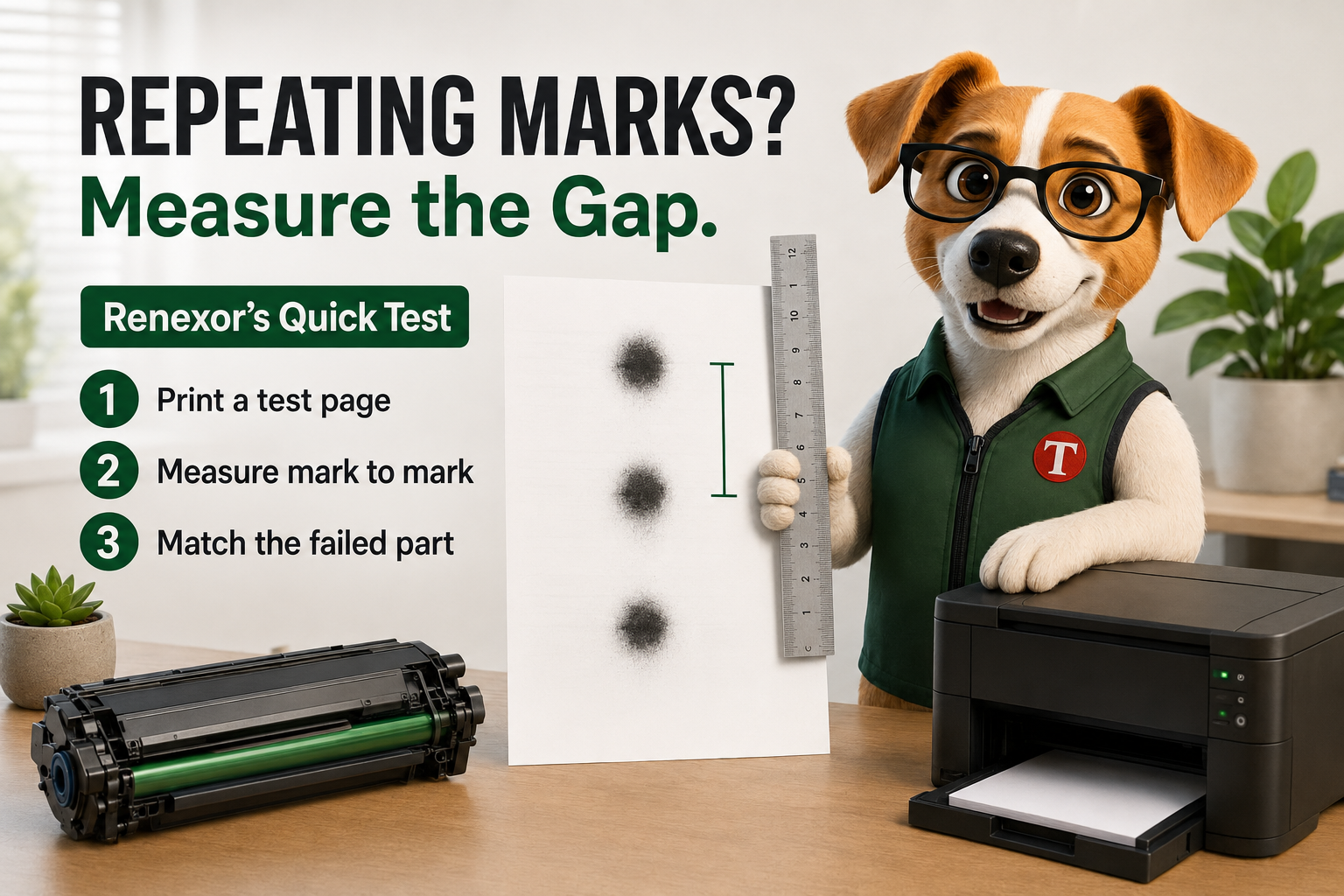

Repeating Marks on Every Page Measure the Gap — Your Printer Just Told You Which Part Failed
June 24, 2026 • How to troubleshooting

Your Printer’s Worst Enemy Isn’t the Cartridge — It’s the Room It Lives In

Faded pages, mystery jams, curling paper, and faint “ghost” images aren’t always your toner’s fault. Often it’s the air, the temperature, and the spot you parked your machine in. Renexor’s field guide to the hidden climate killing your prints — and how to fix it for free. Quick answer: Printers and toner are extremely sensitive… Continue reading Your Printer’s Worst Enemy Isn’t the Cartridge — It’s the Room It Lives In

Your Printer’s Worst Enemy Isn’t the Cartridge — It’s the Room It Lives In
Get the Tips and Make Friends with Renexor!
Subscribe to our blog and let your printer’s smartest friend deliver expert maintenance tips and ink-saving secrets straight to your inbox. No spam, just paws-itive vibes!
You have been subscribed, and you will get a $10 discount coupon soon
You are subscribed already